The Basics
Master the core components of elluminate and how they work together to enable systematic evaluation of AI systems
This section introduces how elluminate is organized: three evaluation types, each with its own test data, built on a shared set of building blocks. If you want to see this in action, check out our Quick Start or explore our detailed concept guides below.
Projects and Evaluation Types
Projects are the top-level container for all your evaluation work. Projects can be either private or public within your organization.
Inside a project, the Evaluation switcher in the sidebar selects one of three evaluation types and decides which pages the sidebar shows (see Navigation). Each type has its own test data and its own way of producing the responses that get rated:
| Evaluation type | What it evaluates | Test cases | Responses come from | Guide |
|---|---|---|---|---|
| Single-turn | One response per test case | Single-turn collection | A prompt template run on an LLM config, or responses you import | Prompt Templates, Collections |
| Persona | Conversations between simulated personas and your bot, rated as transcripts | Scenario set | Personas of a persona group talking to your bot | Personas |
| Agent | Full trajectories of an agent you run yourself | Agent collection | Traces you upload or import from Langfuse | Agent Evaluations |
Shared Building Blocks
The following concepts work the same way for every evaluation type.
Criterion Sets and Criteria
- Criterion Sets group related evaluation questions and live in the Criteria Library
- Criteria are specific binary questions that assess response quality
- Each criterion receives a "yes" or "no" rating with detailed reasoning
Experiments
An Experiment is one evaluation run of a given type. It combines the type's test cases and response source with a criterion set, and rates every response against it. See Experiments.
LLM Configs
LLM Configs (the Models page) define the provider and parameters of a model. Single-turn experiments use them to generate responses, Persona experiments use them for the bot under test. Agent experiments do not use one, since elluminate does not run your agent.
Response Analysis
Once responses are generated and evaluated, Response Analysis provides tools to:
- Review individual response ratings
- Identify patterns across multiple responses
- Compare performance across different configurations
- Make data-driven improvements to your AI system
Version Control
Versioning ensures evaluation consistency and enables change tracking:
- Components such as templates, collections, criterion sets and personas are versioned
- Experiments reference specific versions for reproducibility
- Changes create new versions while preserving historical data
Single-turn: Templates and Collections
Single-turn evaluation builds on PromptTemplates, TemplateVariables and the resulting Prompts.
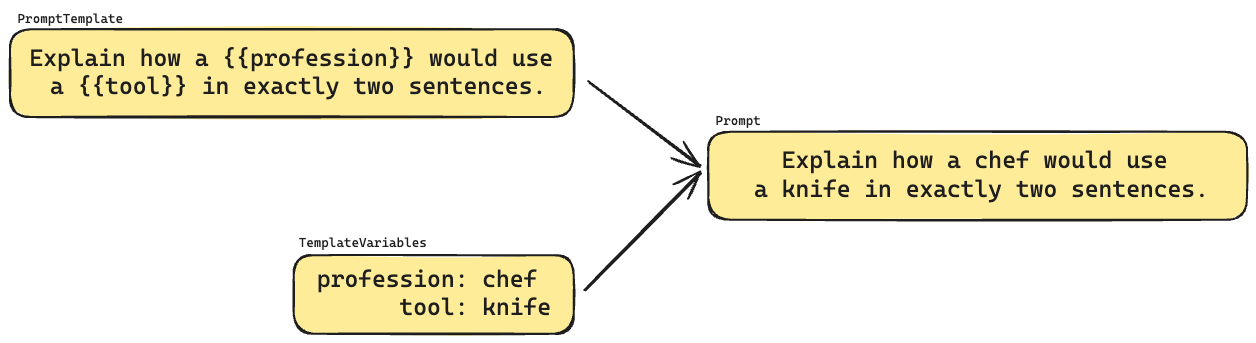
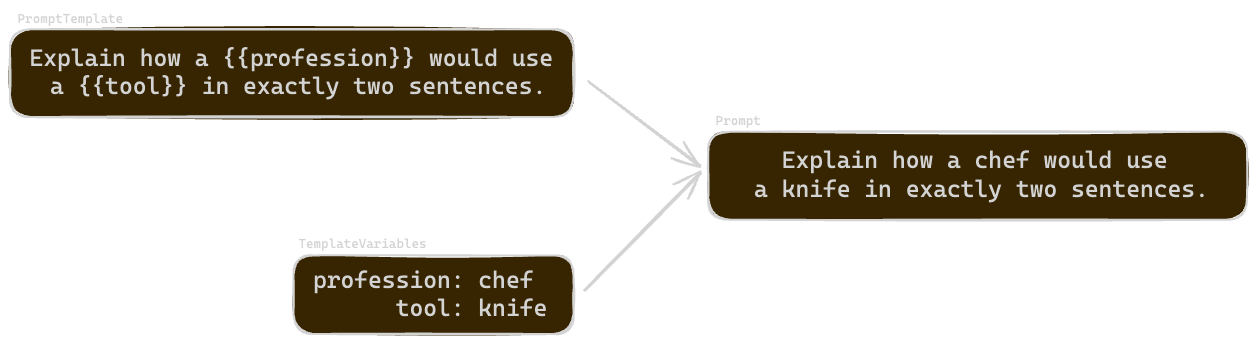
- Prompt templates are reusable templates containing variables that can be replaced with specific values
- Template variables are key-value pairs that can be inserted into a prompt template
- Prompts are the result of combining a prompt template with template variables
Template variables are grouped into a Collection (specifically a TemplateVariablesCollection), so one template generates a prompt for every test case.
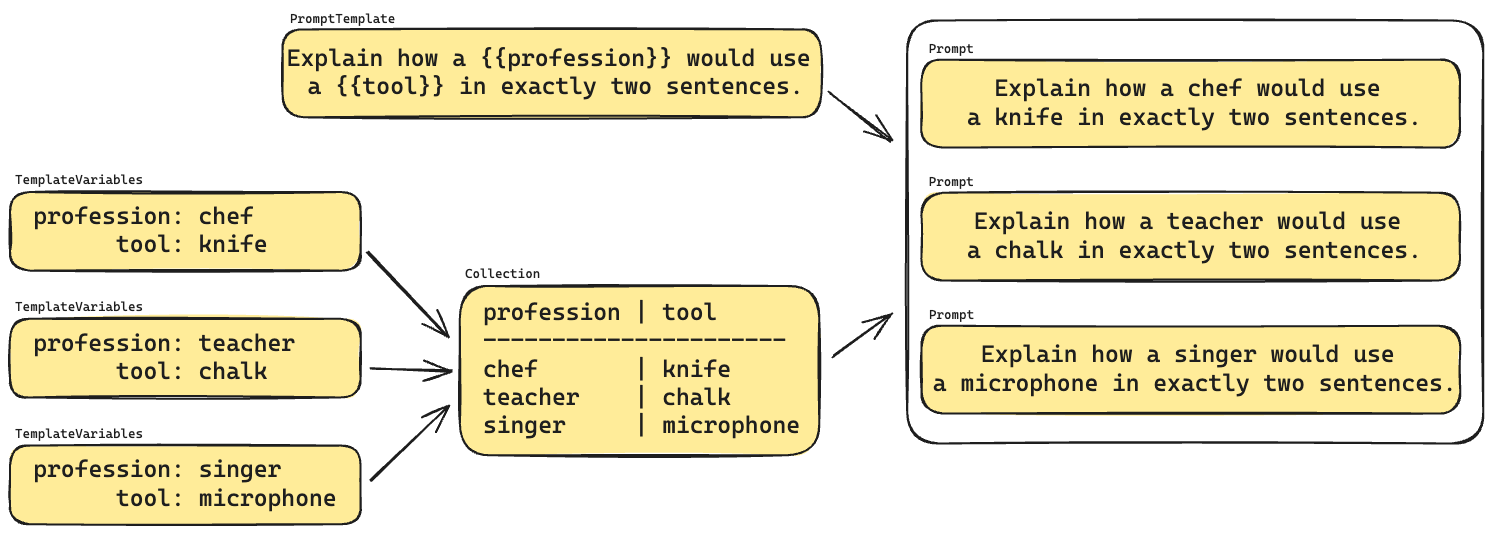
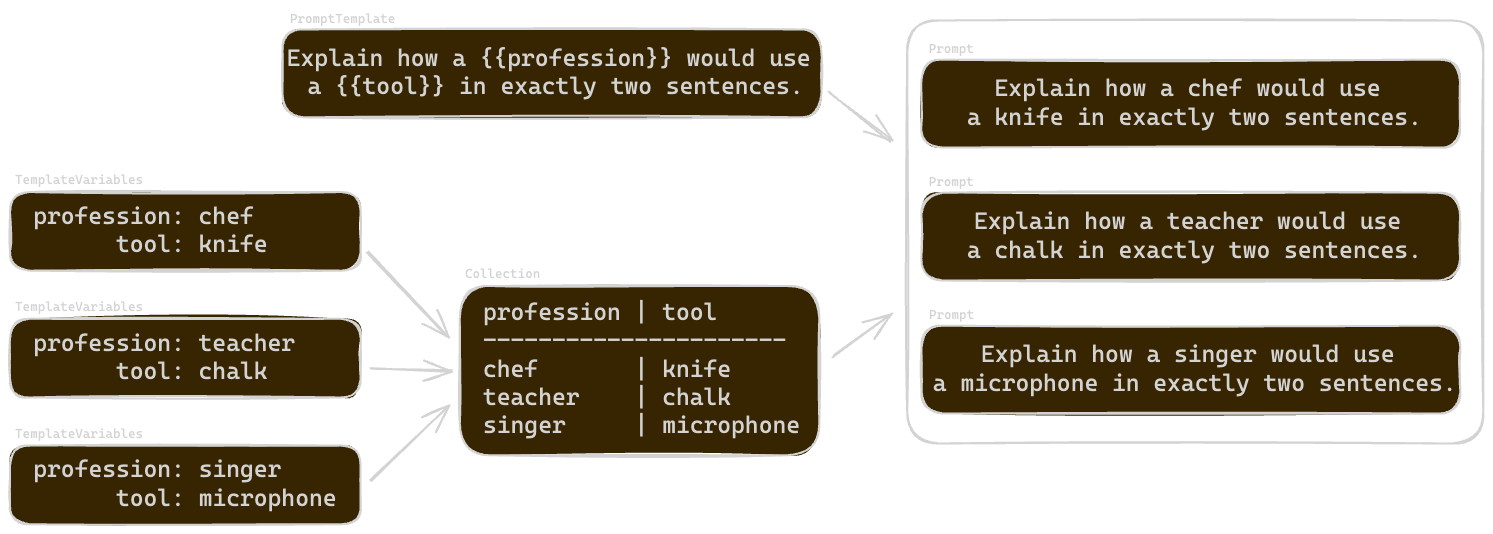
The guides under Single-turn Evaluation cover templates, collections and techniques such as conversations, structured outputs and tool calling.
Next Steps
Now that you understand the basic concepts, you can:
- Explore the shared concepts in detail using the guides in this section
- Open the guides for your evaluation type: Single-turn Evaluation, Persona Evaluation or Agent Evaluation
- Follow our Quick Start to see these concepts in action
- Try the SDK examples for programmatic access